Cart
Drawer or page
Section titled “Drawer or page”Theme settings → Cart → Cart behavior:
- Open cart drawer — the cart icon opens a slide-out panel, and adding to cart shows it. The
/cartpage still exists for anyone who reaches it directly. - Go to cart page — the cart icon links to
/cart, and adding to cart goes there.
A drawer suits a shop where people buy one or two things. A page suits larger baskets, where people want to see everything at once.
Free shipping progress
Section titled “Free shipping progress”Theme settings → Cart → Free shipping threshold: an order total in your store currency. A progress bar then appears in the drawer and on the cart page, counting down to it.
The theme only shows the bar — create the free shipping rate itself in Settings → Shipping and delivery, at the same amount. If the two disagree, your customers will notice.
Leave the field empty to hide the bar.
Cart drawer
Section titled “Cart drawer”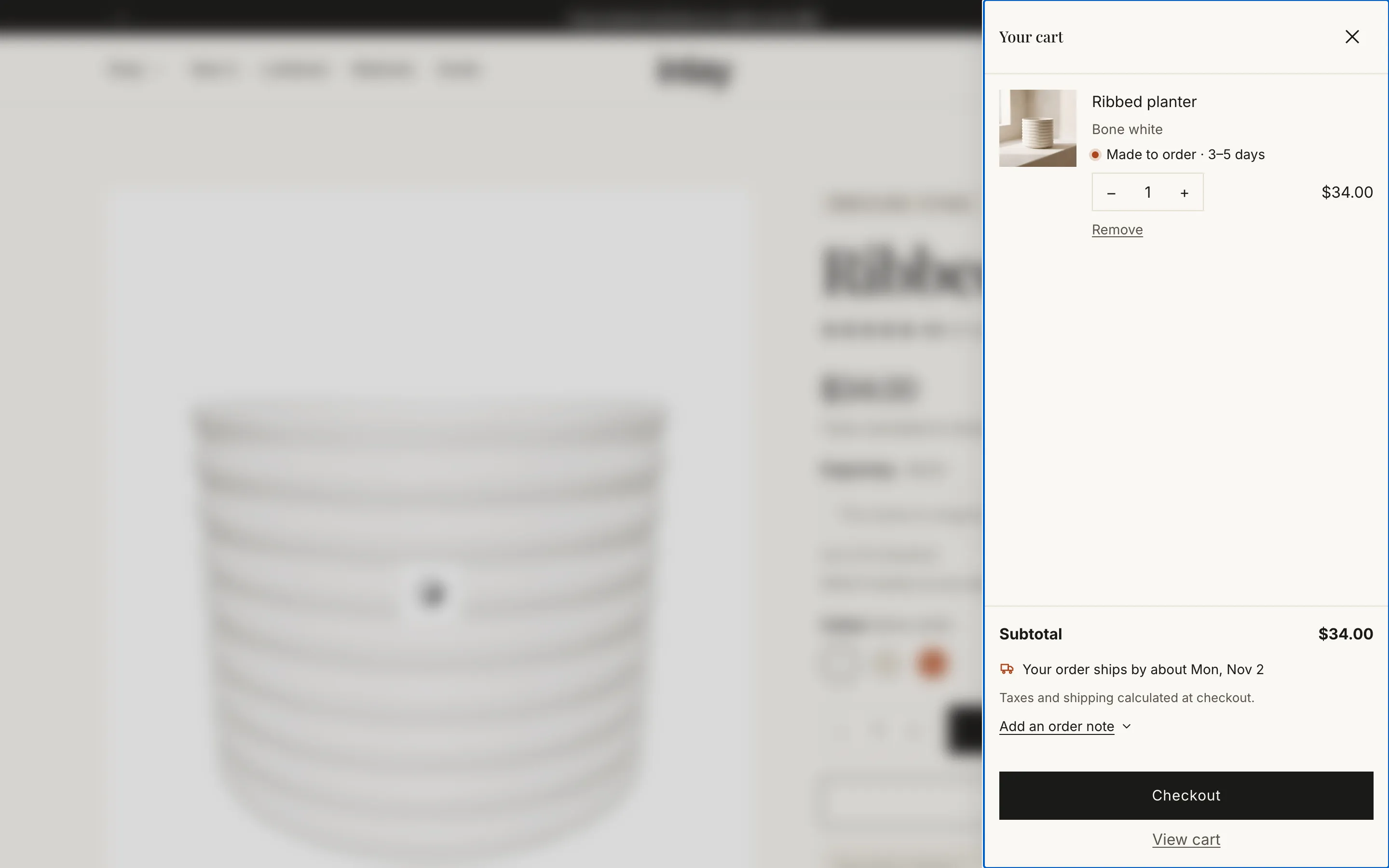
Its own section (editable from any page in the theme editor):
| Setting | Notes |
|---|---|
| Color scheme | |
| Show order note | A note field the customer can open; the note reaches the order. |
| Show dynamic checkout buttons | Shop Pay, PayPal, Apple Pay and other accelerated checkouts. Off by default in the drawer — the drawer is small, and the main checkout button is the point. |
| Empty cart button link | Defaults to all products. |
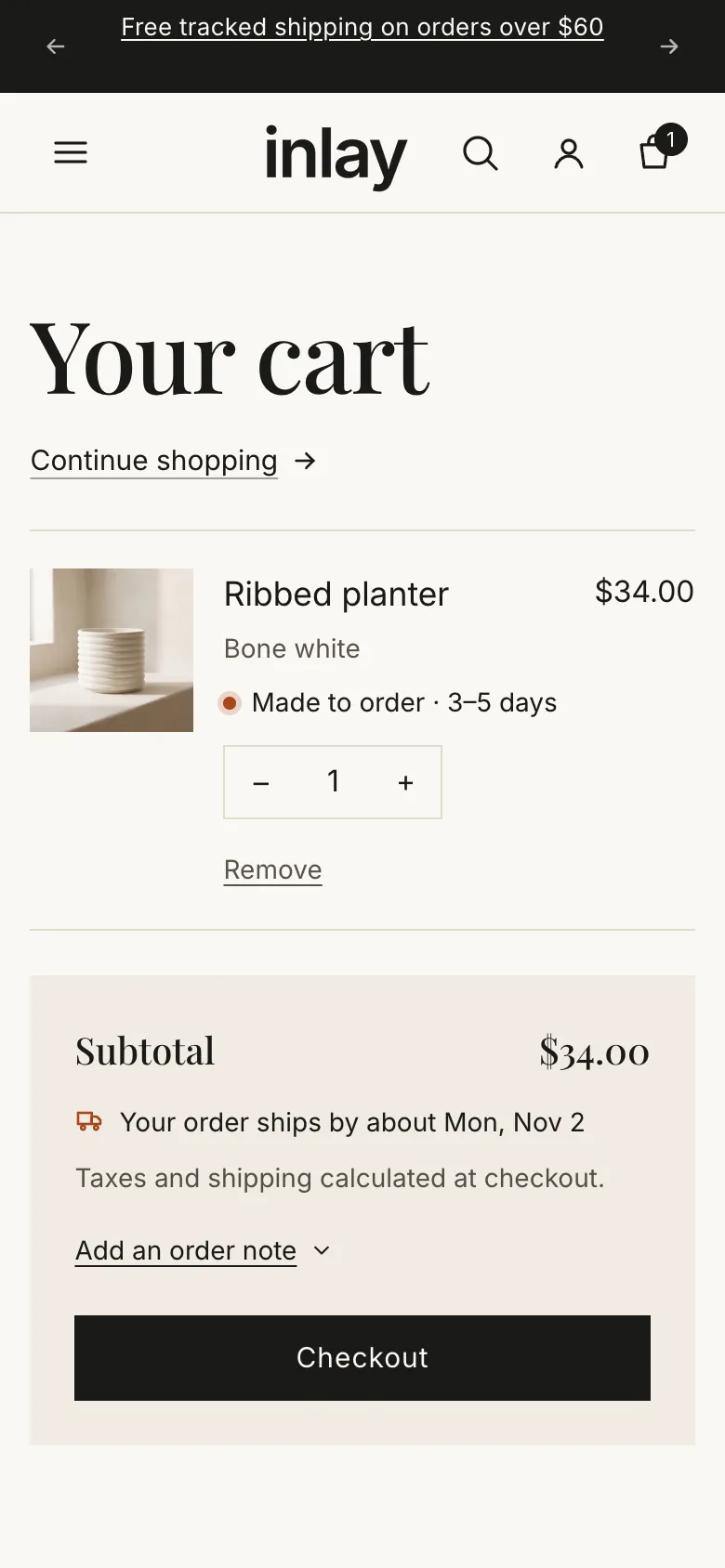
| Show lead time on each line | “Ready to ship · dispatched in 1–2 days” or “Made to order · 3–5 days” under each line, from Theme settings → Production and the product’s metafields. |
| Show when the order ships | One line under the subtotal: “Your order ships together by about 14 Nov”, from the longest lead time in the cart — or “Ships in 1–2 business days” when everything is in stock. |
| Note for personalized items | Shown once when a line carries a personalization (an engraving, a name). Default “Personalized items can’t be returned.” Leave empty to hide. |
| Gift wrap product, Gift wrap label, Show gift message | See Gift wrap and gift message. |
Cart page
Section titled “Cart page”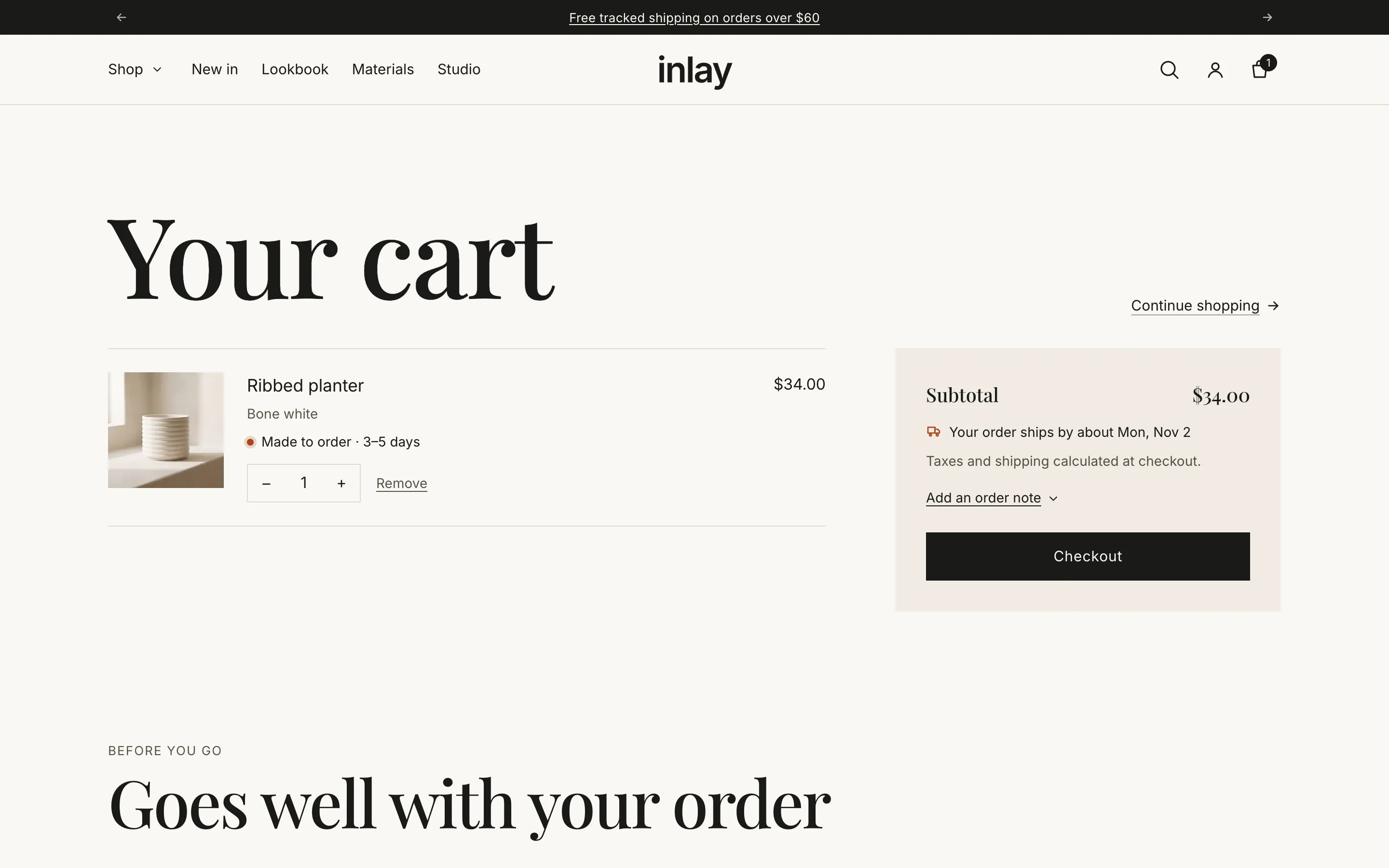
| Setting | Notes |
|---|---|
| Summary color scheme | The totals panel. |
| Show order note | |
| Show dynamic checkout buttons | On by default here. |
| Continue shopping link | Defaults to all products. |
| Show lead time on each line, Show when the order ships, Note for personalized items | The same three settings as the drawer, for the page. |
| Gift wrap product, Gift wrap label, Show gift message | See below. |
Gift wrap and gift message
Section titled “Gift wrap and gift message”Both the drawer and the page have a Gift group:
| Setting | Notes |
|---|---|
| Gift wrap product | A product of its own — “Gift wrap”, with its price — created in the admin like any other. The cart shows a checkbox that adds it to the order or removes it. Leave empty to hide the checkbox. |
| Gift wrap label | The text beside the checkbox. Default “Add gift wrap”. |
| Show gift message | A short note for the recipient, saved with the order as “Gift message”, apart from the order note. |
The gift wrap line has no lead time of its own and leaves the cart on its own when it is the only thing left in it.
What the cart shows automatically
Section titled “What the cart shows automatically”- Line item properties from Custom option blocks — the engraving text, the chosen finish — under each line, exactly as the customer typed them.
- Discounts, both per line and on the order total.
- Unit prices where a variant has one.
- Selling plan names for subscriptions.
- Quantity rules from B2B catalogues (minimum, maximum, increment).
Quantity changes and removals update in place, without reloading the page.
© 2026 Bevel · Shopify is a trademark of Shopify Inc.; Bevel is an independent theme studio.